
ID: net.print3r.android.lite
Version: 4.3.1
File Size: 7.4Mb
PRINT3R - Eval Screenshots
PRINT3R - Eval Description
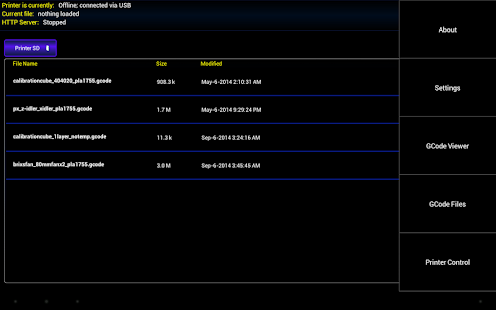
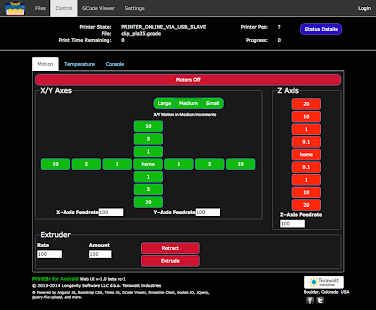
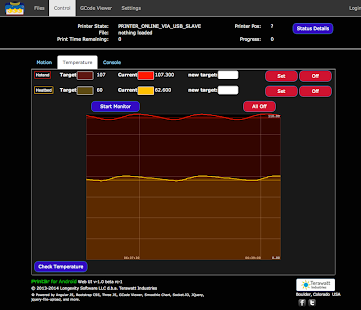
3D Print Server for Android OS from Terawatt Industries. This is the free (evaluation) version of PRINT3R. This is only for testing connection and motion on your 3D printer.Get the Print3r User's Guide at http://www.print3r.net/docs/users_guide/index.html.
Quickstart Guide for Android USB Direct Mode is now online at http://www.print3r.net/docs/quickstart/usbdirect/index.html.
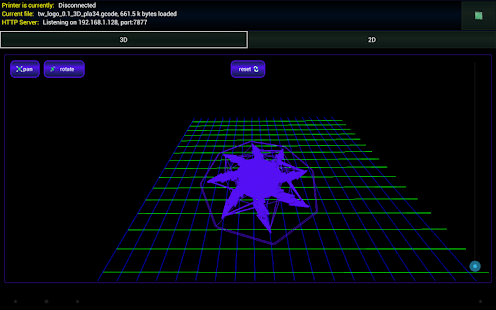
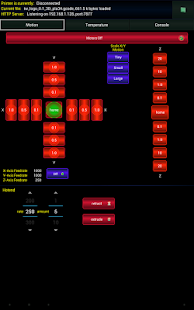
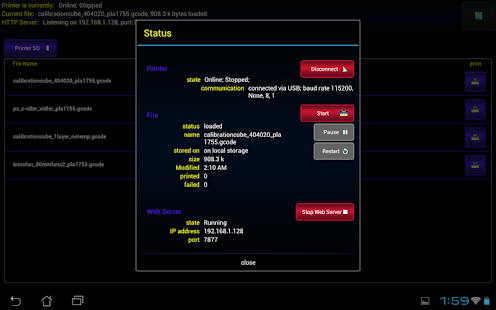
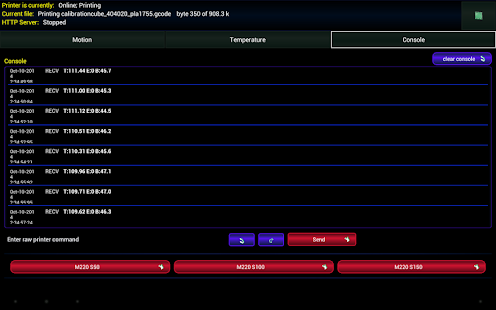
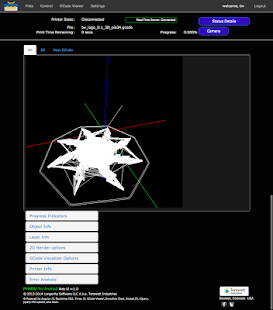
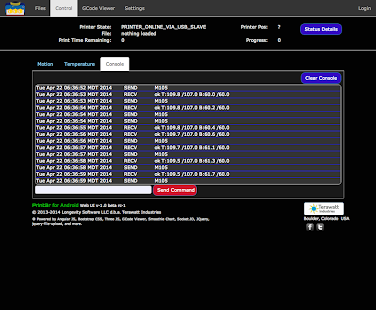
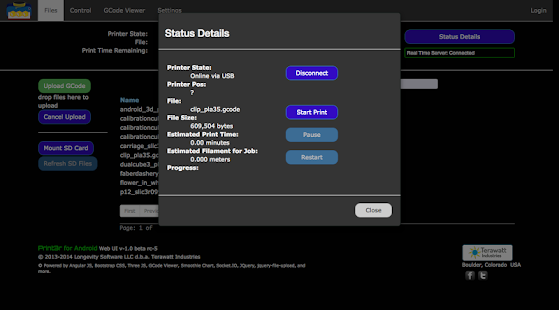
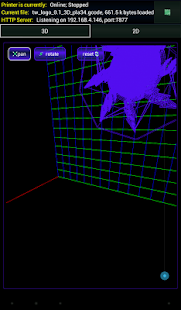
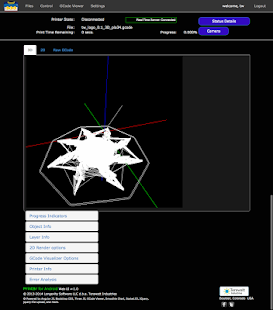
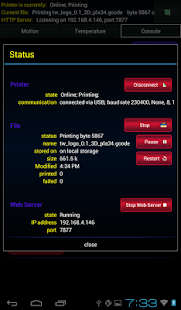
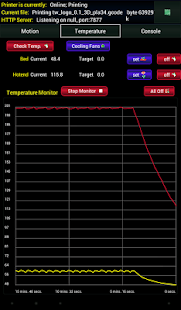
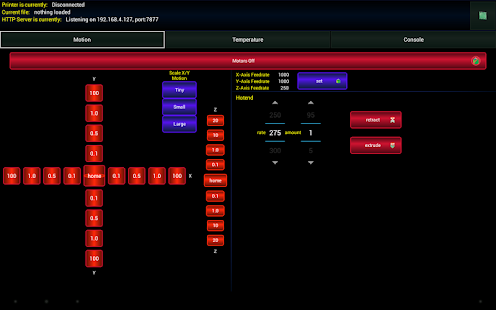
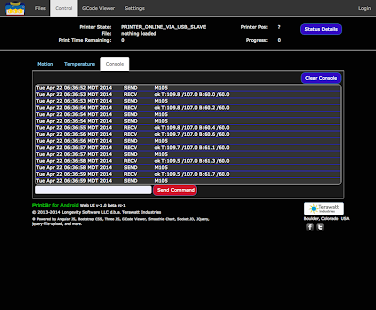
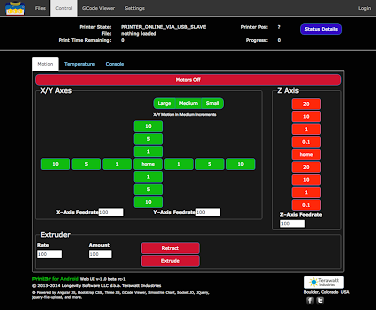
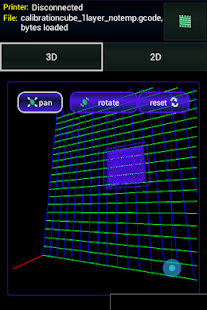
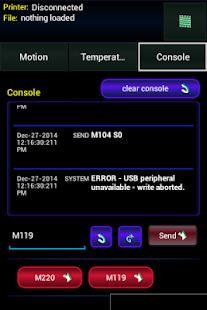
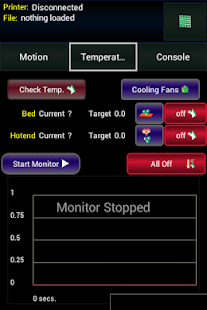
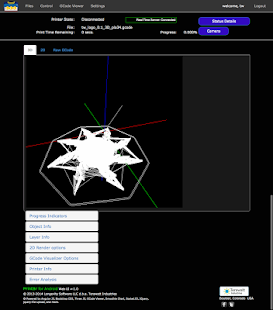
Print GCode files and control a 3D Printer from your Android device. Treats your printer as a USB device or accessory (usb host or usb slave modes), or connect to a printer with Bluetooth. Uses the integrated WiFi, storage, and touch screen capabilities of Android to provide realtime machine control and serving of 3D print jobs. No special hardware required (see below). Features a robust 3D print server with multiple firmware support; a native interface with haptic feedback; a responsive web site with realtime web-based printer control; 3-D and 2-D OpenGL GCode visualizers; sharing and printing GCode directly from Android device; and more. Special PRINT3R for Android Adapter Board is optional and *not* needed for Android Devices with USB OTG or Bluetooth support and a separate charging port. With the PRINT3R Adapter Board (available from Terawatt Industries website) you can connect to a 3D Printer as a USB Accessory and keep the Android device continuously charged while using Print3r. Again, the adapter board is not needed if your Android device has USB OTG and a separate charging port. With the adapter board, all Android devices higher than Honeycomb are supported by PRINT3R for Android.
More information on the optional PRINT3R for Android Adapter Board is available at http://www.print3r.net/adapter-board.
What's new in PRINT3R - Eval 4.3.1
* Added support for GRBL firmware versions 0.8x-0.9x* Added support for Arduino MEGA clone with C340G USB-Serial IC.
* New translations for Portugese and Dutch
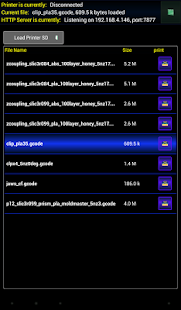
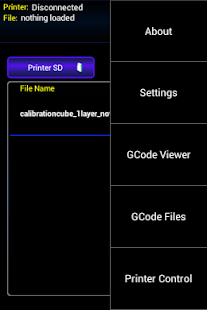
* Import GCode from File System...browse to GCode file, and open with Print3r.
* Import GCode from E-mail (Gmail)
* Fixed translation regressions for IT and FR
* Minor bug fixes